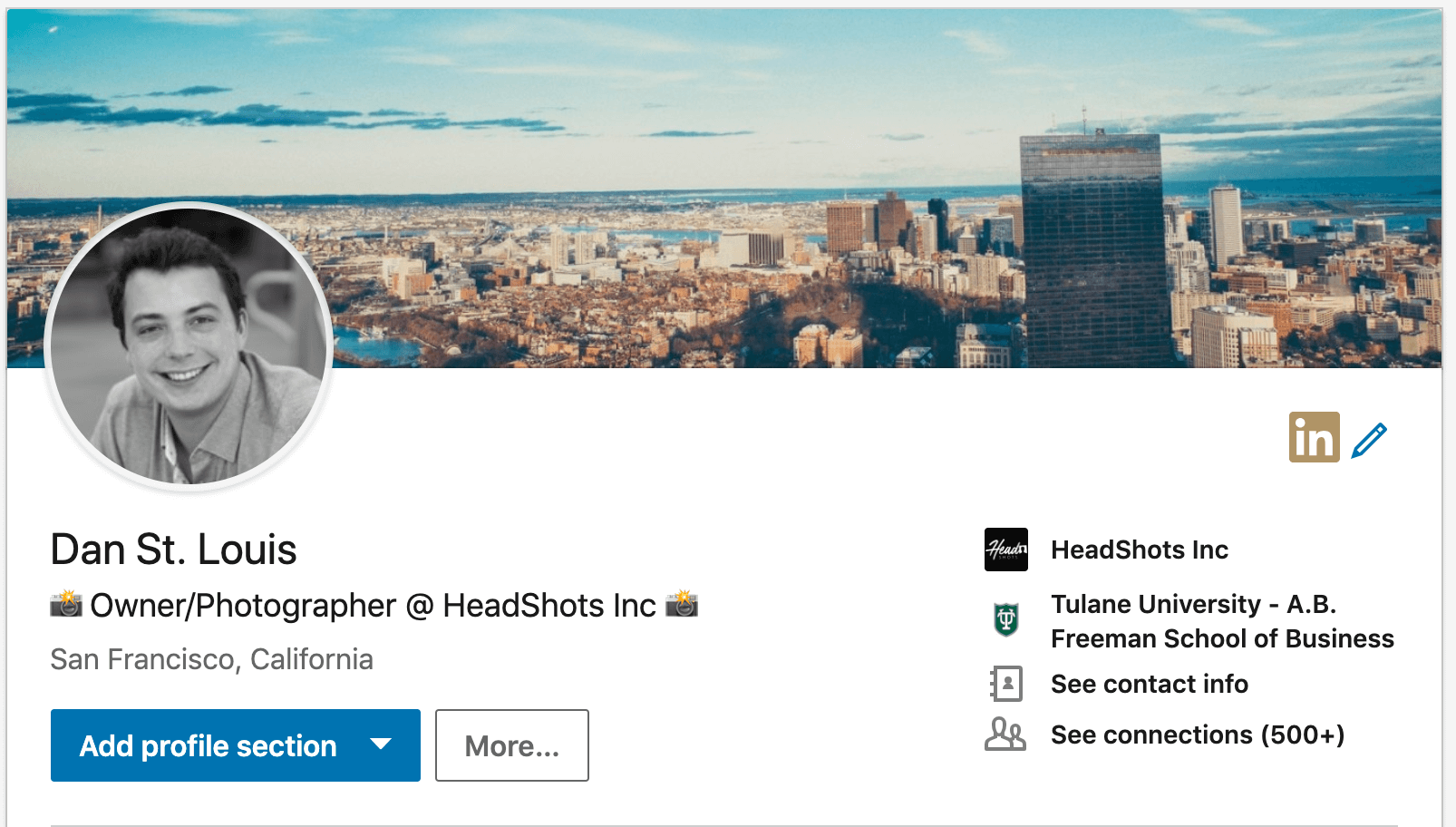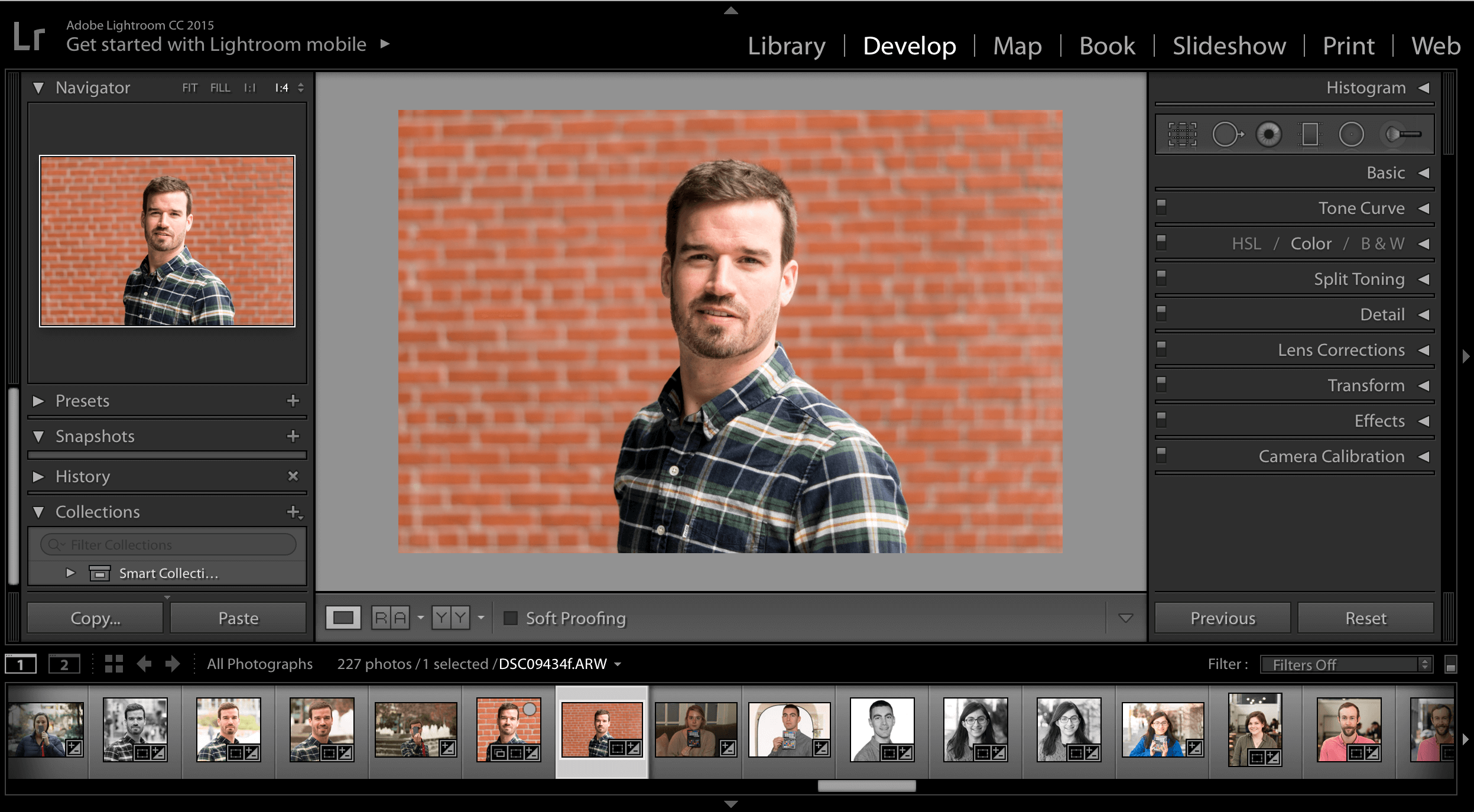
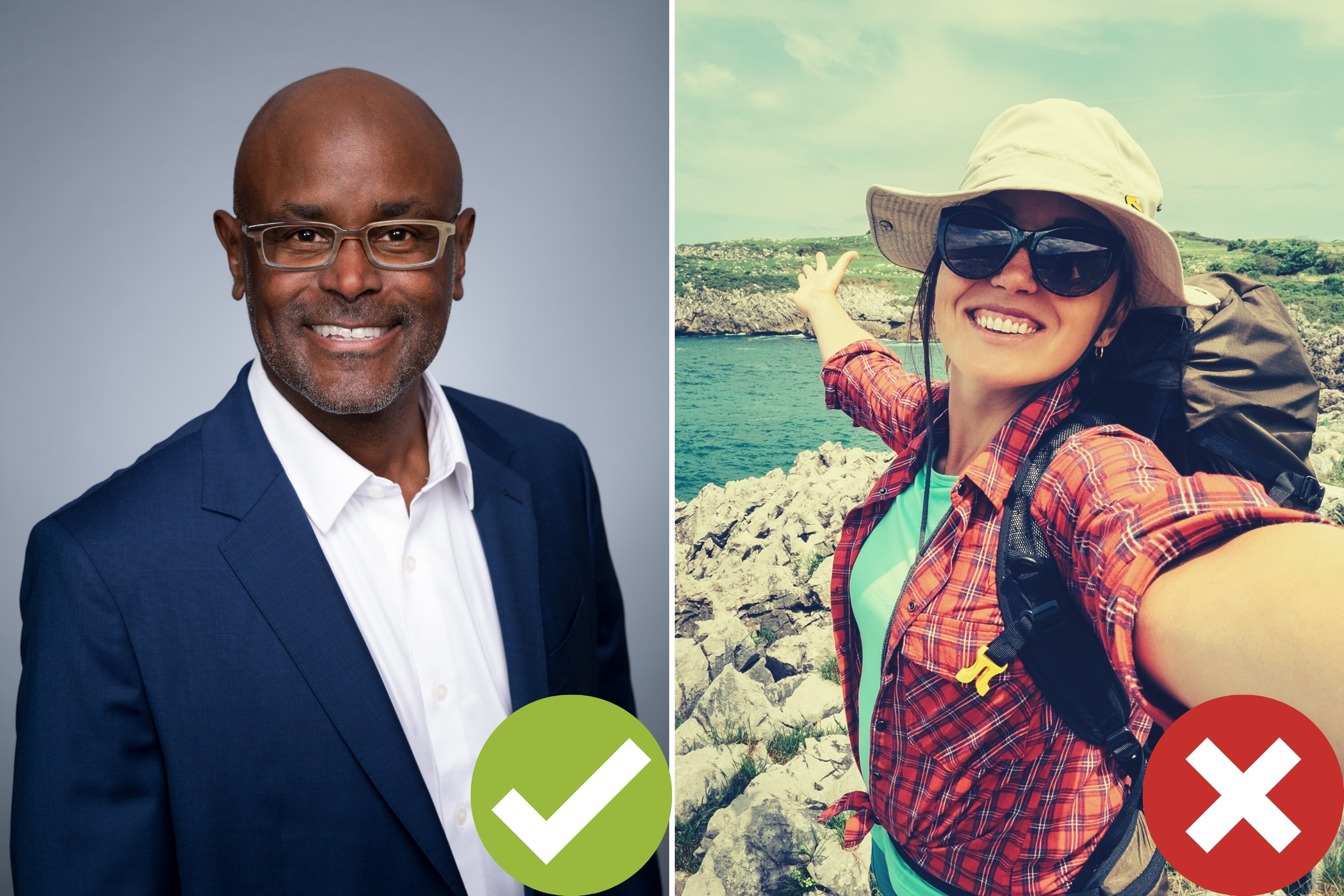
If you’re looking for a new job, one of your first steps should be to update your LinkedIn profile photo.
In a recent survey, over 85% of recruiters and hiring managers reported using LinkedIn to source and screen job applicants. So, an unprofessional photo at the top of your profile can easily get your disqualified from your ideal next job.
Without any further hold up, here are our top 5 most common LinkedIn profile photo mistakes:
Mistake #1: Your Photo Doesn’t Look Like You Any More
As a general rule of thumb, you should update your headshot every two years. While you probably haven’t noticed a significant difference in your appearance over the last couple years, our bodies and faces are always changing.
If you had a significant change in weight, hair style, or industry – you might need to update that photo more often.
Don’t create an unprofessional first impression with hiring managers that you meet in real life or via video interview! They don’t want to feel deceived by someone who looks completely different online than the do in-person.
NOTE: Is it time to update your LinkedIn profile photo? If you need a headshot in a hurry, head on over to our easy guide which covers how to take a professional headshot at home. Our tips + your smart phone = new professional headshot.
Mistake #2: Unprofessional Clothing
When it comes to clothing, different industries have different expectations. In general, we recommend dressing-up for your photos.
There are a few tips you can use to look sharp in your headshots. But, you will never go wrong with a solid-colored colored button-down Oxford style shirt.
If you want industry specific tips, head over to our blog article What to Wear for Professional Headshots.
Mistake #3: Unprofessional or Ugly Backdrop
Just like clothing, your industry should dictate the backdrop for your headshots. You can choose for outdoor, studio, or in an office.
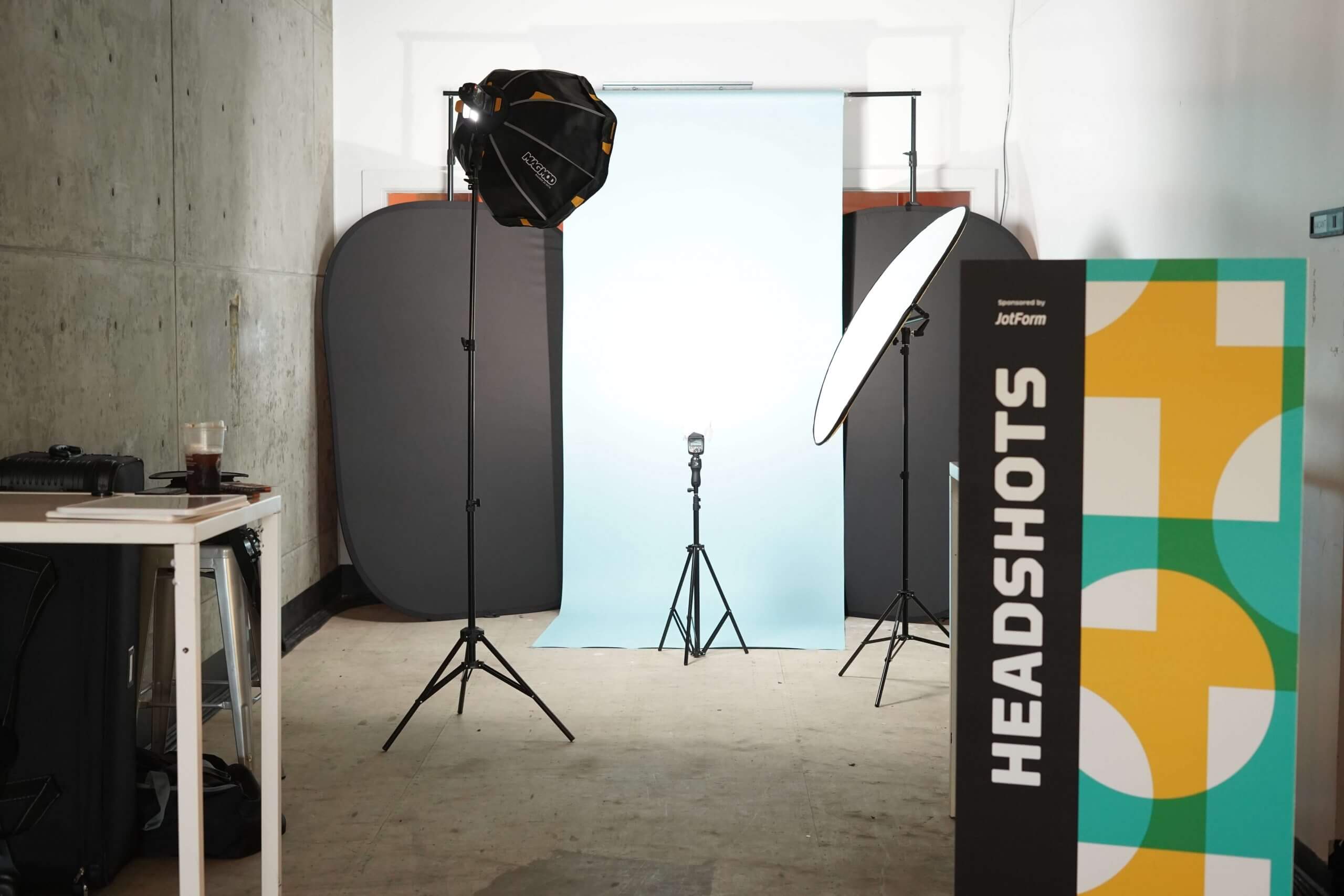
Studio: Plain studio backdrops are the most common and most obviously professional option for your headshot. Headshot sessions taken at a studio are also the easiest for the client, as you don’t have to worry about wind/weather impacting your photo.
Outdoor: Outdoor sessions are a good option if you’d like to look particularly friendly in your profile photo, or if your job is focused on nature. A good headshot photographer will have recommendations for locations that have an “urban” “nature” and “cultural” vibes.
See our list of Top Outdoor Locations for Headshots in San Francisco.
In-Office: If you have a fancy office to use, you can use that office as the backdrop for your photo! These backgrounds can convey power/success, but just make sure to clean up your space prior to your shoot.
Not sure which backdrop is right for you? Take our free HeadShot Recommendation Quiz to get a personalized suggestion based on your industry, personality, and career goals.
Many of our customers book our Platinum Combo Session because it allows for 50% of photos to be taken outdoor and 50% to be taken in-studio for maximum variety.
Mistake #4: You’re Using a Cell Phone Photo
For the love of all things holy, please don’t use an iPhone to take your headshot. While cell-phone cameras have come a long way over the past decade. They’re still no-where near the capabilities of a real professional camera and lens.
Besides lower photo quality, cell phone cameras use an ultra wide-angle lens that’s generally unflattering. For anyone who looks at photos, the difference between proper camera and cell-phone is obvious.
Mistake #5: Current Photo is Too Formal/Stiff
Just because you’re professional, doesn’t mean you need to look like a jerk. While there’s some nuance to this advice (executives and lawyers should look tough/strong in their photos), an overly stiff-looking LinkedIn headshot can make you look uncomfortable or awkward.
What makes a stiff photo? Bad posture and a forced smile are the dead give-aways.
Ultimately, you want to look both professional, competent, confident, AND like-able in your headshots.
Bonus Mistake: No Editing/Airbrushing
In real life, you probably don’t notice that most people don’t have perfectly white teeth, bags under eyes, or stray hairs. For the most part, people are moving around too much for you to notice small imperfections.
But, in high-resolution still photography – yellow teeth, acne, and stray hairs are incredibly distracting. A good headshot should have subtle, yet effective, editing that removes the distracting elements listed above.
If you’re looking for more information about our editing process, head over to the HeadShots Inc Editing Explained blog post.
In Summary: Invest In Your Headshot and Start Getting More interviews
Thanks for reading! Avoid these mistakes and you’ll get yourself an awesome LinkedIn headshot for your profile photo – which will help you land more interviews at competitive companies.
If you’d like to update your headshot, head over to our Individual Sessions page for pricing and package information.
![Are Professional Headshots Important? [Video Report]](png/screen-shot-2019-08-15-at-9.01.40-am.png)