
Whether you’re looking for a job, launching a new company, or trying to improve your sales numbers, over the past ten years, LinkedIn has grow to be one of the most valuable social media network
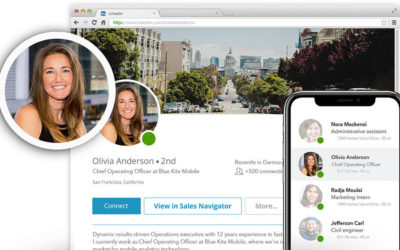
With over 722 million members, and almost universal adoption among business people in all industries, a great LinkedIn headshot to use as a profile photo can help you stand out from the crowd.
Follow these tips to get yourself the perfect LinkedIn headshot for your goals.
Tip #1: Ditch the Selfie
There’s nothing more cringe-y than a selfie or other unprofessional photo in a linkedin profile.
While some people think “casual” = “good”; it’s very likely that the decision-makers involved in hiring, promoting, and purchasing won’t see your profile that way.
Not only does a professional photo make you look more competent, influential, and reliable – but the fact that you took the time to get your headshot taken speaks volumes about your professionalism and work ethic.
Tip #2: Keep Your LinkedIn Headshot Up-to-Date
Ever meet someone who looks completely different than their photos online?
In the dating world, that’s called “cat fishing”, and it’s not something people appreciate.
In fact, it conveys untrustworthiness to people who are just now meeting you in person. (They think, if you’re willing deceive people with your appearance online, what else are you willing to deceive people about…)
In general, you should update your LinkedIn headshot every 1 to 2 years or after any drastic changes in appearance. (Hair and weight are the most common.)
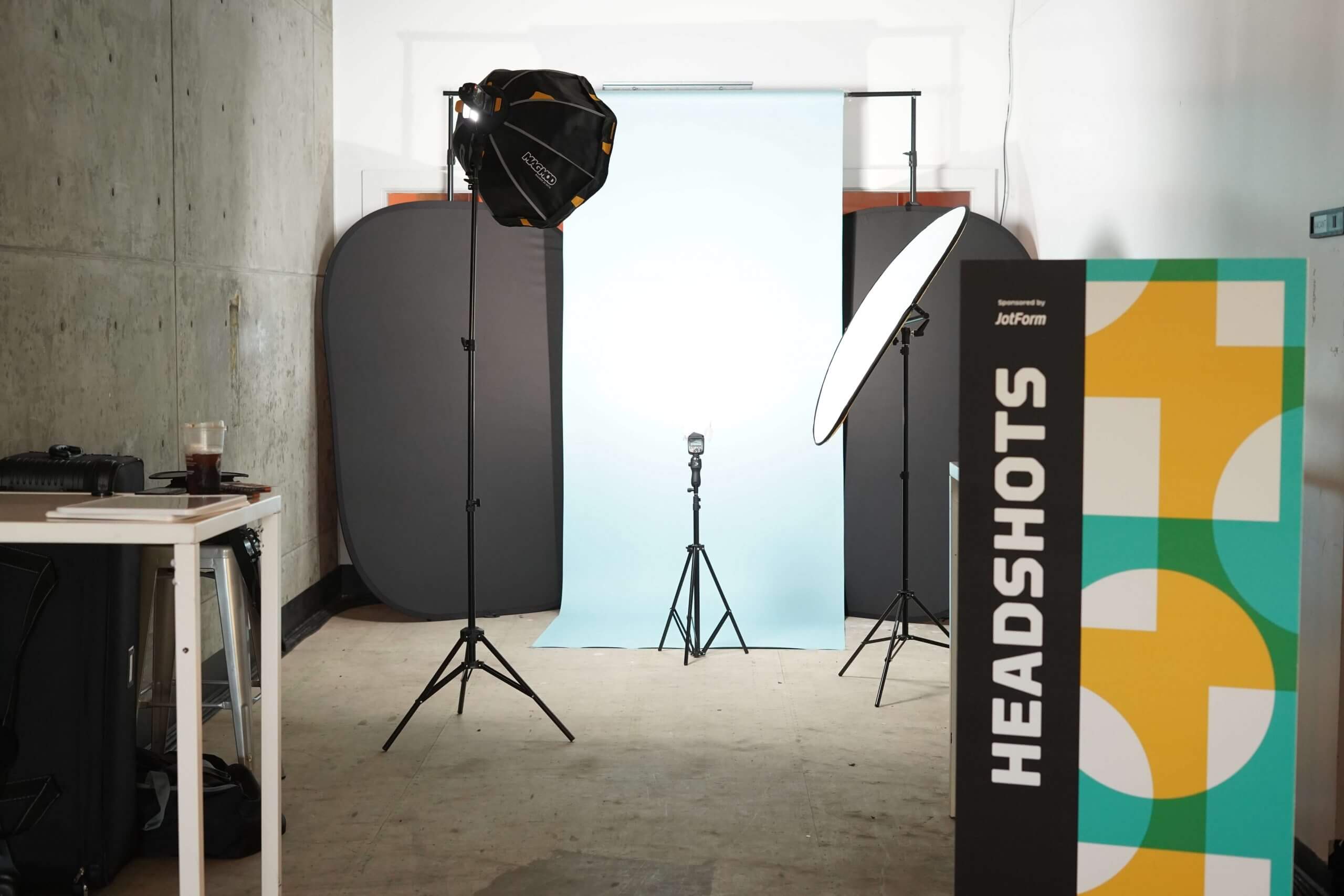
Tip #3: Pick an Industry-Appropriate Backdrop
Different industries tend to use different backdrops. While there aren’t hard-and-fast rules, check out peers in your industry on LinkedIn and their websites to see what they’re using.
To make things easier fo you, we’ve outlined the most common industries and their typical backdrop below:
Finance: Neutral Colored Studio Backdrop
Law: Neutral Colored Studio Backdrop
Real Estate: Any Type Acceptable (Most common is studio.)
Tech: Any Type Acceptable (If you work in sales, don’t consider about what your peers wear…consider what your customers wear.)
Healthcare: Any Type Acceptable
Energy: Neutral Colored Studio Backdrop
Consulting: Neutral Colored Studio Backdrop or In-Office
Therapy: In-Office
Local Services: Outdoor or In-Office
Design/Marketing: Studio Backdrop or Outdoor
Authors/Writers: Outdoor
Tip #4: Dress for The Job You Want
Resist the urge to dress overly casual for your LinkedIn headshot. While many people, especially in the Bay Area, want use clothing to convey that they’re “friendly” in their headshot, don’t go overboard by wearing a t-shirt – which just looks unprofessional.
The background of your photo (outdoors/in-office is generally more friendly than studio backgrounds) and your smile is a more effective tool for establishing friendliness with the person viewing your headshot.
Tip #5: Avoid Too Much Editing
Over zealous or poorly executed editing can ruin the impact of a headshot by distracting the viewer with over-photoshopped portions of the headshot.
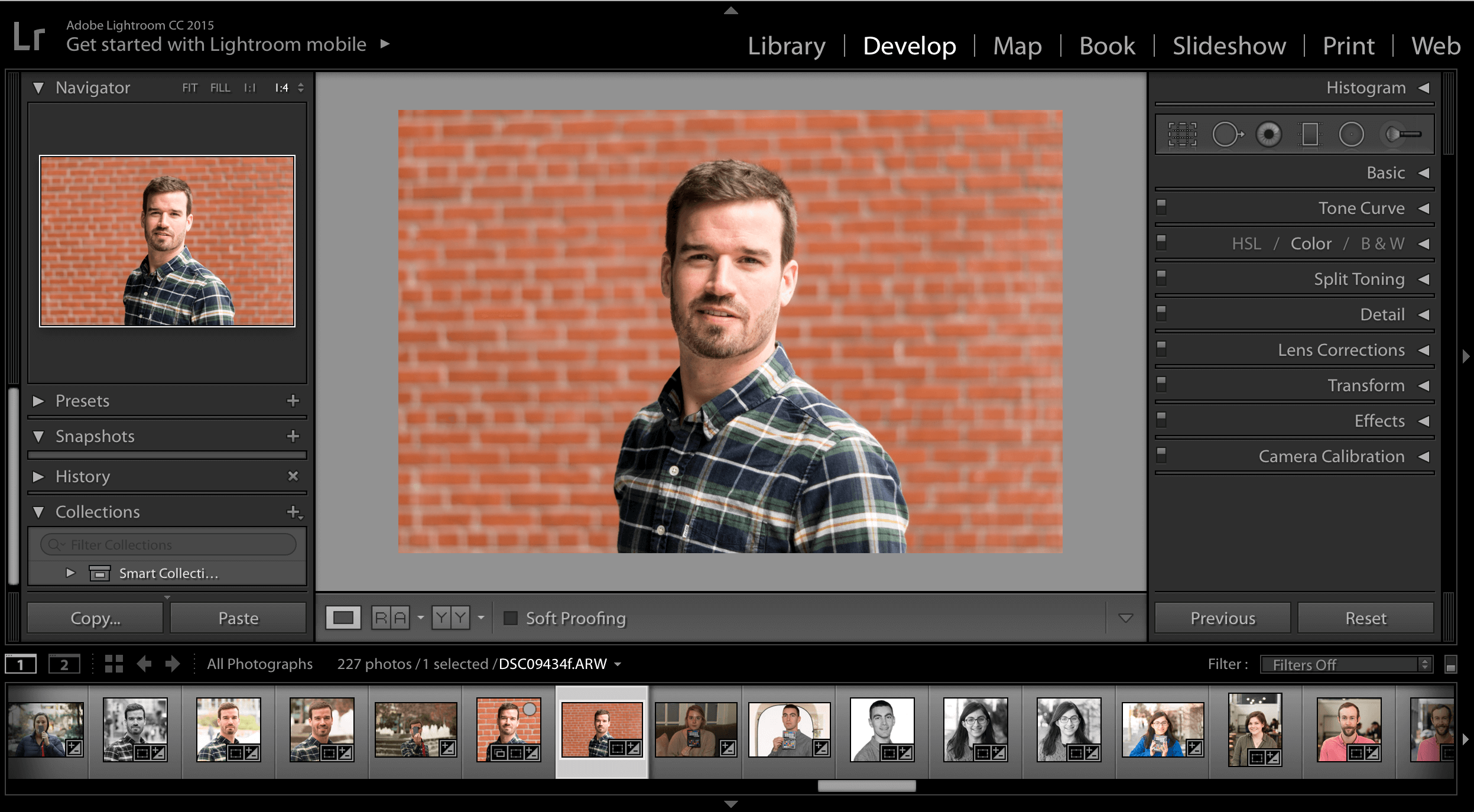
Instead, headshots should be edited so that we remove any distracting blemishes/details, but ultimately keep the photo looking natural.
At HeadShots Inc, we offer natural-style retouching for teeth whitening, bags under eyes, stray hairs, and acne so that you look your best.
Tip #6: Crop at 2/3rds Eye Level
Traditional close up professional headshots should be cropped so that your eyes are at 2/3rd height in the photo.
If the headshot is taken from half-body, then you can crop so that your nose is at 2/3rds, which will reduce some of the empty space between your head and top of the frame.
Tip #7: Supplement Your LinkedIn Profile Photo with a Cool Cover Photo
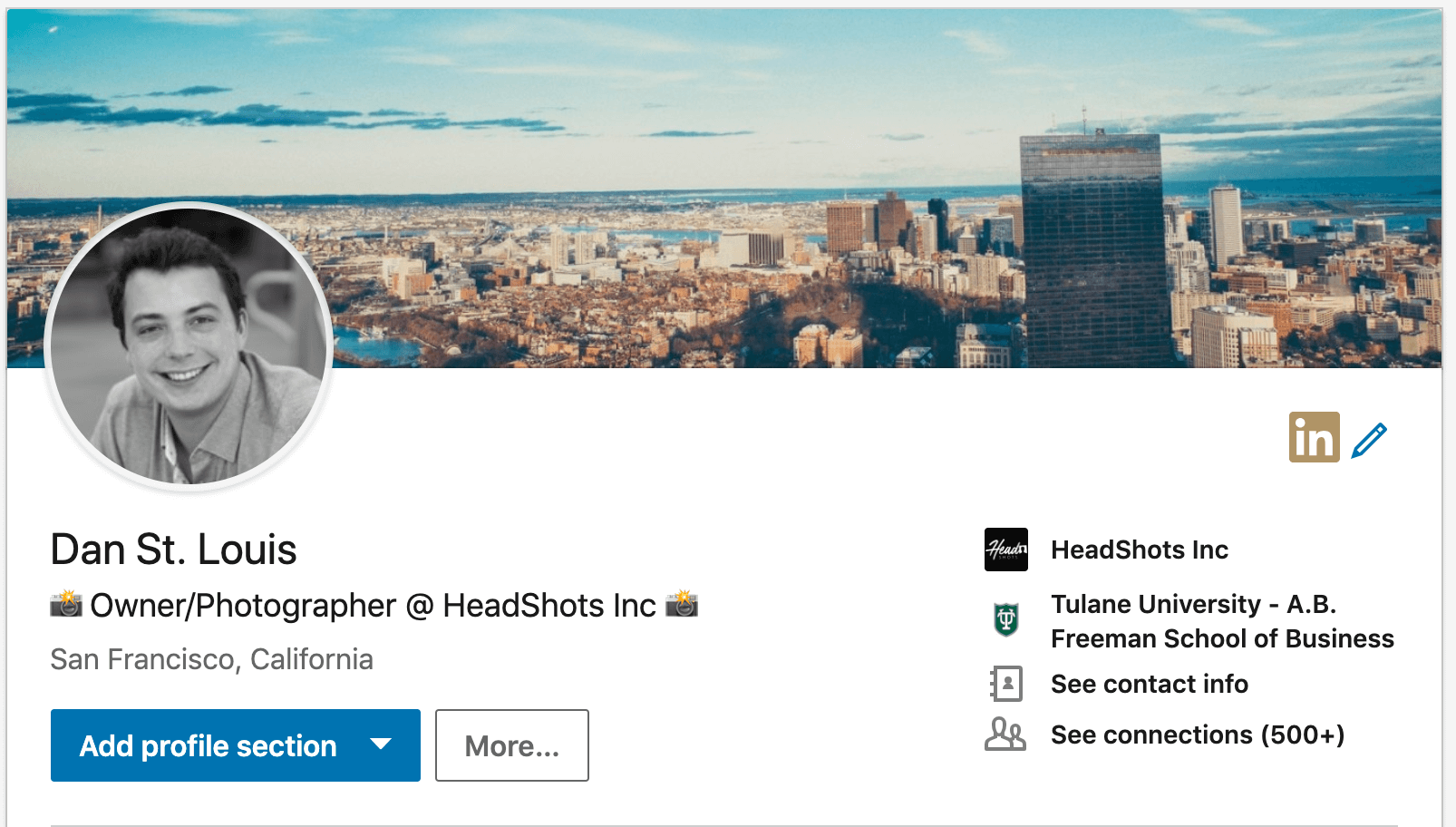
Once you have an awesome LinkedIn headshot, make sure to compliment your headshot with a modern cover photo from somewhere like unsplash.com.
There are tons of free beautiful photos that you can use to match your personal brand. If you don’t want to think too much about selecting a photo, just grab a generic cityscape.
—–
That’s a wrap! Follow these seven tips and you’ll have a killer LinkedIn profile that helps you stand out from the crowd. If you have any questions, feel free to email us at smile@headshots-inc.com. To learn more tips on how to improve your profile, head over to our LinkedIn Headshot quick start guide.
![Are Professional Headshots Important? [Video Report]](png/screen-shot-2019-08-15-at-9.01.40-am.png)