So I Got My HeadShot – Now What?​

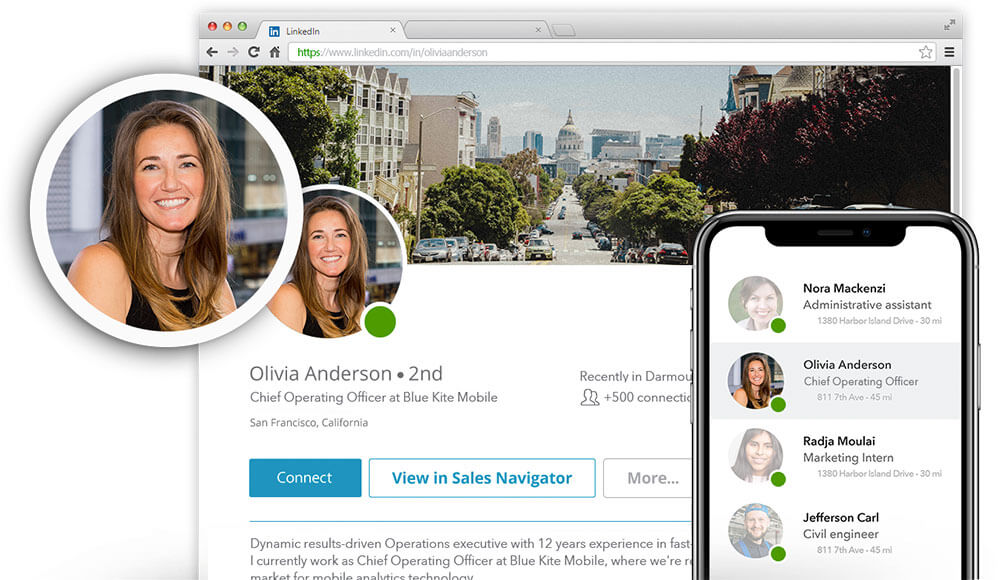
Great question. It’s time to get the most out of your new professional headshot.

First, take stock of all platform or channels that currently have your old photo. These likely include, but are not limited to:

1) LinkedIn.com

2) Email Profiles

3) Internal Company Platforms like Slack, Workplace by Facebook, and company news platforms like SocialChorus

4) Business Cards

5) Personal Websites

6) Marketplace Websites

7) Business Websites

Second, get to work uploading your photo!

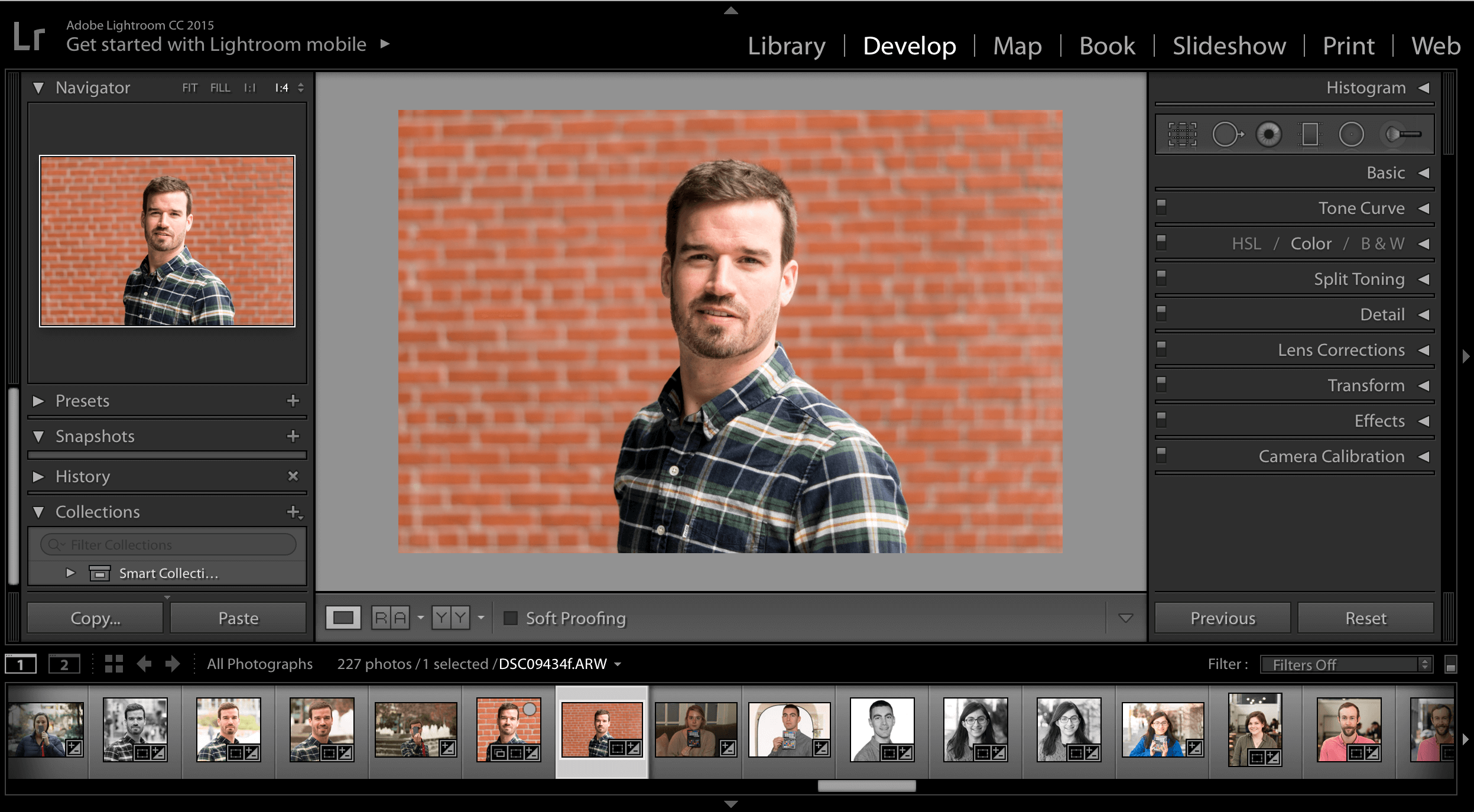
By default, all photos retouched by HeadShots Inc come in four formats:

DSC0xxxx-Edit: This is your baseline large-format version. The file size will be too big to post most places online. But, it’s a good back-up option is case you’ll want to eventually print your photo or make changes to it later on.

DSC0xxxx-Edit-Cropped: This is the large-format version of your photo, but cropped and leveled for easy placement. While this photo is “ready to go” online, it’s still probably too big for most social-media platforms.

DSC0xxxx-Edit-Web: This is an un-cropped and un-leveled version of your photo, but now optimized for publishing online. We like to give customers an un-cropped version in case they actually liked the tilt of their photo. Sometimes, a bit of tilt adds a “casual’ vibe to your headshot.

DSC0xxxx-Edit-Web-Cropped: This is the cropped, leveled, and web-optimized version of your photo. This is the version that’s most easily ready for use on LinkedIn, Facebook, Instagram, or websites. Just upload the photo and you’ll be ready to go.

The one nuance to this process is email profiles. We think it’s important to update your email profile, as this tool likely touches 100s of people a week. And, your internal stakeholders are just as important as your external stakeholders.

However, most email platforms (ie Outlook and Gmail) won’t allow you to upload a full-size image.

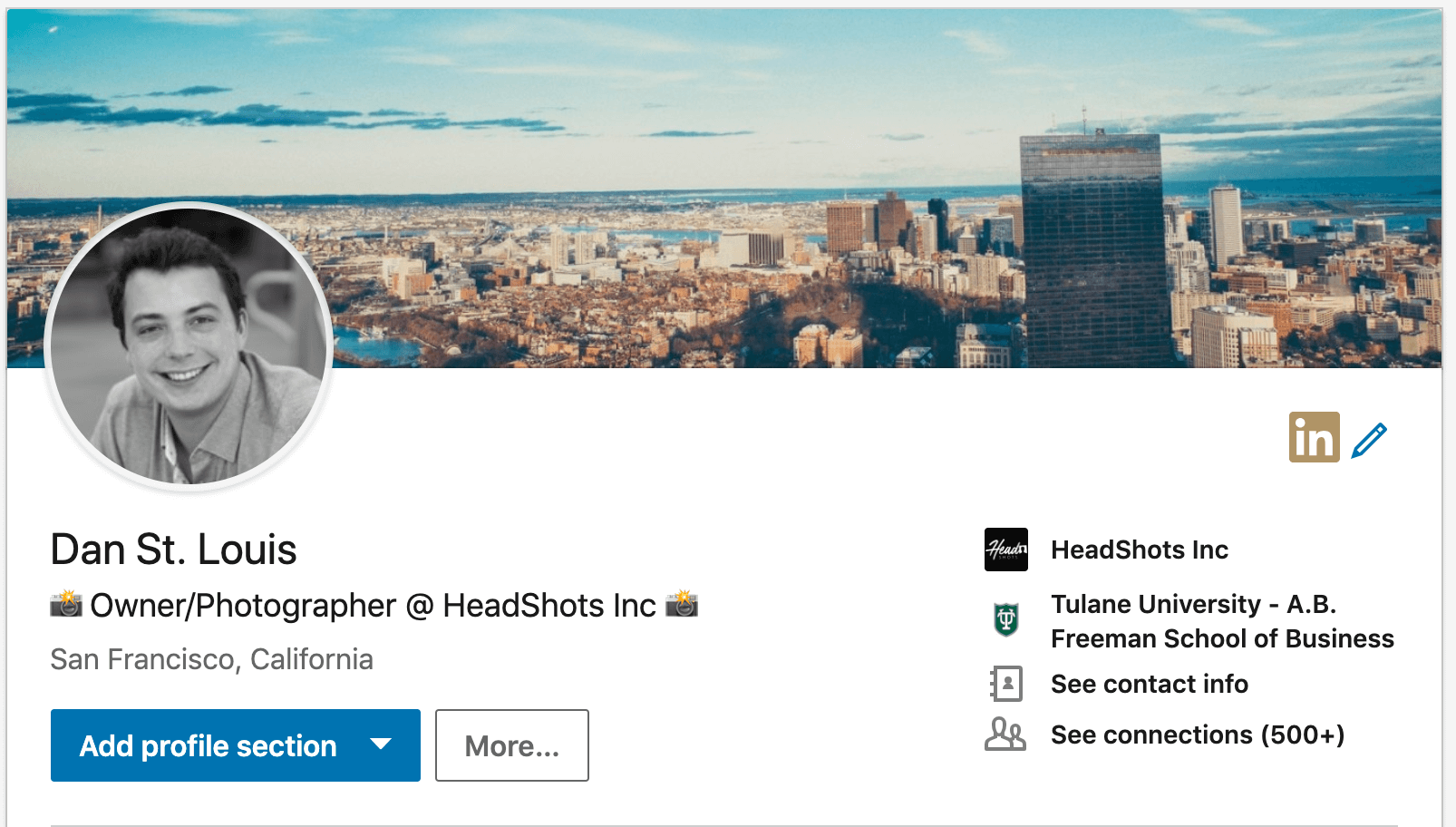
Already uploaded your new LinkedIn profile photo? Make sure to check out How to Find an Awesome LinkedIn Cover Photo.

To update email profiles, first download your cropped final photo. Then upload the photo to a website called tinyjpg.com, where you can compress the file to just 500kb, aka 1/10 the original size of your photo.

How to Add or Change Your Gmail Profile Pic

Then, you’ll be able to upload the photo to email.

However, DO NOT use the compressed version on LinkedIn, as the compression may affect the quality of the profile photo. Only use the compressed version for email.

Voila, you’ve now off to the races with a professional headshot across all platforms.

It’s worth noting, that you may need to slightly adjust the photo once you’ve uploaded it. Different platforms may render your photo differently, so it’s smart to a) upload b) check and c) adjust.

Most platforms (LinkedIn in particular) have tool embedded into the photo uploader that will allow you to adjust your photo. Depending on how your photo looks, you may want to either 1) slightly brighten or 2) slightly increase contrast for a crisper image.

Want to take the next step with your personal brand? Here are some awesome partners:

Recommended Resume Writing, LinkedIn Review, & Career Coach

Recommended Personal Websites (Build your own personal website like yourname.com)

Recommended Business Card Provider

Thanks for reading! Comment below if you have any questions. If you want a quick answer, please email us at smile@headshots-inc.com.

Recent Posts

Top Three Events Perfect for HeadShots Conference Booths

Top Three Events Perfect for HeadShots Conference Booths

HeadShots is proud to partner with brands and show coordinators to offer a professional headshot booth at major events, conferences, and expos around the US, Canada, and the UK. Here are best types of events for HeadShots Booths: Event Type #1: Business Conference...

Why Invest in Group Headshots for Your Team?

Why Invest in Group Headshots for Your Team?

Delivering great first impressions and maintaining quality in a relationship is something every business strives for on every sales call and client meeting. Keeping your group corporate headshots updated helps you start that relationship on the right foot and helps...

Let’s Get Social: San Francisco

Let’s Get Social: San Francisco

HeadShots Inc is making a big push to share the latest news, promotions, and offers on all of our social channels. For customers and followers who want to see the latest content, please feel free to follow us at the below links: Facebook: Facebook Profile LinkedIn:...

That’s a Wrap!: Series 1

That’s a Wrap!: Series 1

We had a blast at Square Unboxed Conference last Thursday. Square Inc invited us to host over 120 participants through short sessions designed to get high quality business headshots. Here were some of our key take-aways: Take-Away #1: Short Headshot Sessions Can Work...

Why is My LinkedIn Profile Photo Blurry?

Why is My LinkedIn Profile Photo Blurry?

There is almost nothing that breaks our hearts more than a blurry LinkedIn headshot. After spending time and money on a high-resolution portrait, some people have reported that their profile photo looks “blurry” on LinkedIn. And there’s been a major uproar recently...

The Business Case for Company Headshots

The Business Case for Company Headshots

Ask any Vice President of Sales in a major corporation "Do first impressions matter?" when meeting customers, and they will undoubtedly respond "of course." She will tell you that earning credibility with customers from the very first engagement is absolutely critical...

Are Professional Headshots Important? [Video Report]

Are Professional Headshots Important? [Video Report]

When you were growing up, you probably remember your mom or dad reminding you, before a big job interview or first day at school, of the importance of first impressions. Dress nice. Smile when meeting people. Make eye contact. But, these days, most first impressions...

8 Types of Hilariously Bad LinkedIn Profile Photos: Updated 2020

8 Types of Hilariously Bad LinkedIn Profile Photos: Updated 2020

Note: To avoid shaming anyone, we didn't include real examples from real people. Instead, we had the cartoonists depict our favorite (most hated) bad LinkedIn headshots. For those of you who have one of these photos, you know who you are... LinkedIn is the world’s...

Ultimate LinkedIn Cover Photo Guide: Updated for 2021

Ultimate LinkedIn Cover Photo Guide: Updated for 2021

In many ways, your LinkedIn cover photo says a lot about you. From a visual standpoint, your cover photo takes up about 20% of the real-estate on the screen when you open your profile - which is larger than any other single object on your profile. So while it's not as...

What’s Included With HeadShots Inc Editing

What’s Included With HeadShots Inc Editing

If it's your first time getting your professional headshot taken, you might be wondering what "retouching" or "airbrushing" means on our pricing page. In fact, some people come into our studio without knowing that the service is included with their session. Simply...